DJI OM 5 Smartphone Side Power Button & Thinner Handle
DJI OM 5 Smartphone Side Power Button
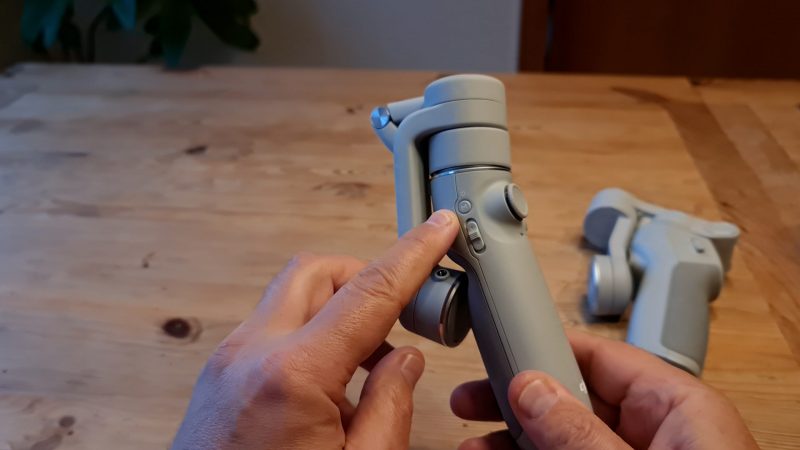
The power on or M button is now located at the side of the gimbal. Instead, a new button has been introduced at the front for switching camera orientation.
One tap switches from rear to selfie camera and vice versa. Two taps switch the gimbal from portrait to landscape or vice versa.
Thinner Handle
The handle is thinner than the OM 4 handle, but it’s just as long. So it doesn’t make any difference to big hands. It also looks less like the hand grip of a handgun, which we might guess is to make it more multi-gender friendly as well as making it smaller when packed away.
https://momofilmfest.com/


Comments
Post a Comment